Email List Verification: The Cold Email Step You Can’t Afford to Skip
Email list verification stops the bounces that damage your sender reputation. Why it matters for cold email, what skipping it costs, and how to verify a list.
Malik ShamsuddinFounder of Mailivery · Email warm-up and deliverability·4 min read
If you’re sending cold emails, there’s one step you simply can’t afford to skip: verifying your email list.
You could have the perfect subject line, a killer offer, and laser-focused targeting—but if your email list isn’t verified, your campaign could flop before it even starts.
Hard bounces, spam traps, and undeliverable addresses are silent killers of email deliverability. They don’t just stop your message from getting through—they can tank your domain reputation, hurt future campaigns, and even get your sending account blacklisted.
In this post, we’ll break down what email list verification really means, why it’s different from “cleaning” or “validation,” and how Mailivery’s 2-layer verification process gives your cold emails the best shot at landing in the inbox.
Why Email List Hygiene Is Mission-Critical for Cold Outreach
Cold email is already under tight scrutiny from inbox providers like Gmail and Outlook. You're reaching out to people who haven't opted in—so ESPs are watching your sending behavior closely.
If you send to an unverified list, you’re taking a major risk:
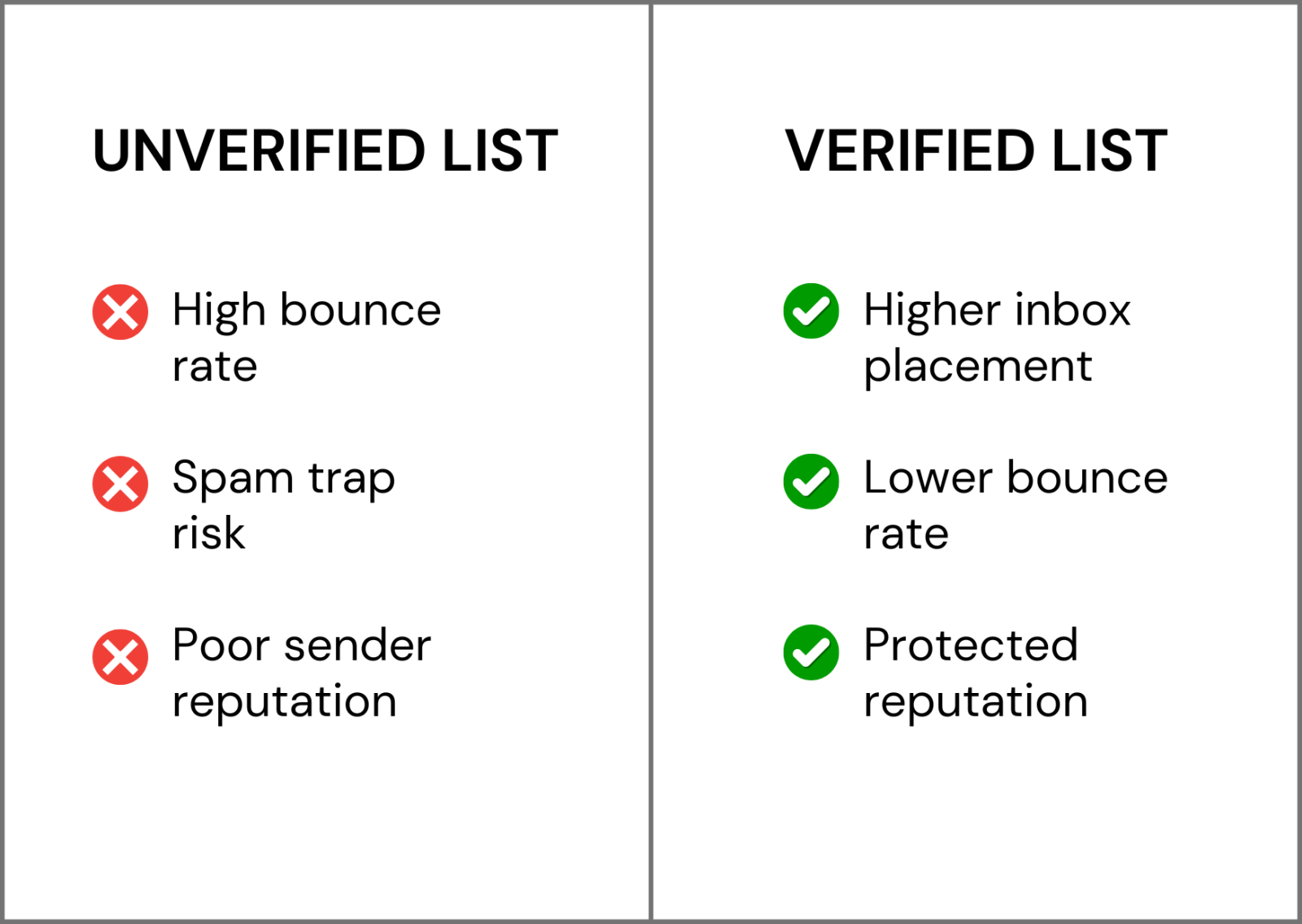
Hard bounces (emails that can’t be delivered) hurt your sender score.
Spam traps and known blacklisted addresses can trigger domain-wide blocks.
High bounce rates signal to inbox providers that you're a spam risk.
📉 According to Validity’s 2023 Email Deliverability Benchmark Report, over 21% of legitimate emails never make it to the inbox—and list quality is a big part of that.
List Cleaning, Validation, and Verification—What’s the Difference?
Many cold emailers confuse these terms. They’re not interchangeable—and only one of them actually protects you from bounces.
Helpful, but it doesn’t tell you if the email is real or active.
✅ Email Validation
Validation checks:
Syntax (is it formatted like a proper email?)
Domain existence (does “@company.com” exist?)
MX records (is the domain set up to receive mail?)
This step weeds out fake or inactive domains—but it still doesn’t confirm if the inbox actually exists.
✅ Email Verification
Verification is the only step that tells you: can this email receive mail right now?
It goes a step further by:
Pinging the actual mailbox (without sending an email)
Flagging undeliverable addresses
Identifying role-based emails (like info@ or sales@)
Catching temporary or disposable inboxes
If you’re sending cold emails and skipping verification, you’re flying blind.
What Happens When You Skip Proper Verification
Let’s say you’ve built a lead list of 3,000 contacts. You skip verification and hit send.
Even a 10% bounce rate (300 bad addresses) can:
Damage your domain reputation across Gmail, Outlook, and Yahoo
Trigger spam filters and blocks—even for valid emails
Cut inbox placement on future sends by 30-50%
Result in entire campaigns landing in spam, even with great messaging
It only takes one bad campaign to hurt your domain for weeks or months.
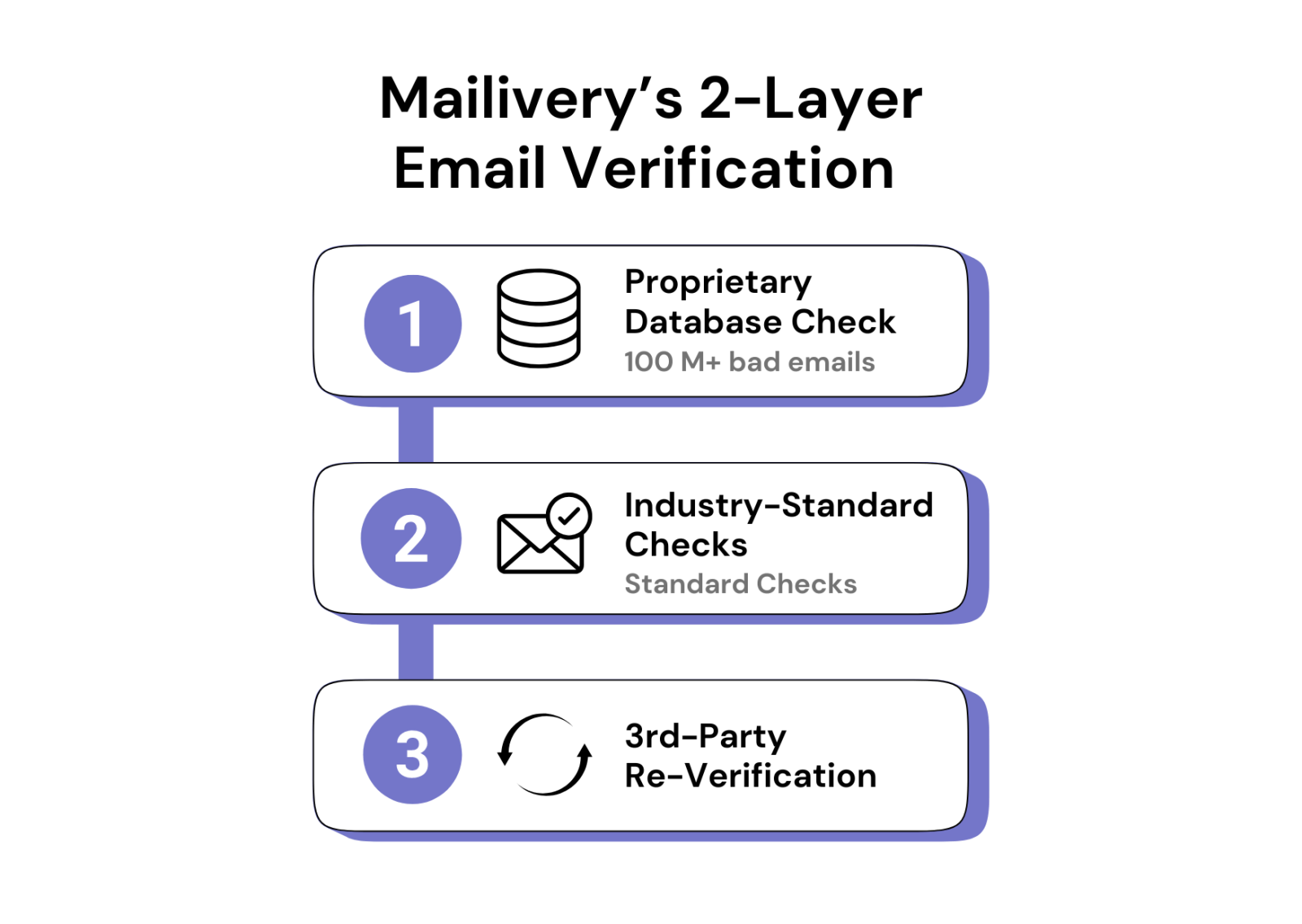
Inside Mailivery’s 2-Layer Email Verification Process
At Mailivery, we take verification seriously—because we’ve seen how badly cold campaigns can go when this step is skipped or done poorly.
Here’s how our two-step process works:
🔍 Step 1: Proprietary Database Check
Before we run any technical verification, we check each email against our internal database of over 100 million known bad emails, spam traps, and flagged actors.
Most verification tools don’t have access to this kind of data. That means:
We catch risky addresses others miss
You avoid hard-to-spot traps that can ruin deliverability
Your list is cleaned before the technical checks even begin
✅ Step 2: Standard Email Verification
We then run each email through industry-standard checks:
Syntax and domain validation
Mailbox ping to confirm deliverability
Role-based and disposable email detection
This gives you full inbox-level insights—so you know exactly who you can and shouldn’t send to.
🔁 Bonus: Re-Verified Through Trusted 3rd Party
As an extra layer of security, we re-run the verified list through a trusted third-party email verification service.
Why double up?
IP reputation matters: Some inboxes block verification pings from certain IPs. A second check reduces the chance of false positives.
No tool is perfect: What one verifier misses, another may catch.
Peace of mind: If you’re sending 1,000s of cold emails, you need the cleanest list possible.
When and How to Verify Your Cold Email Lists
To protect your deliverability, make email verification a standard part of your workflow.
Here’s when to verify:
Before every new campaign (especially scraped or purchased lists)
If a list is older than 90 days
After changing domains or ESPs
After scraping or buying a new list
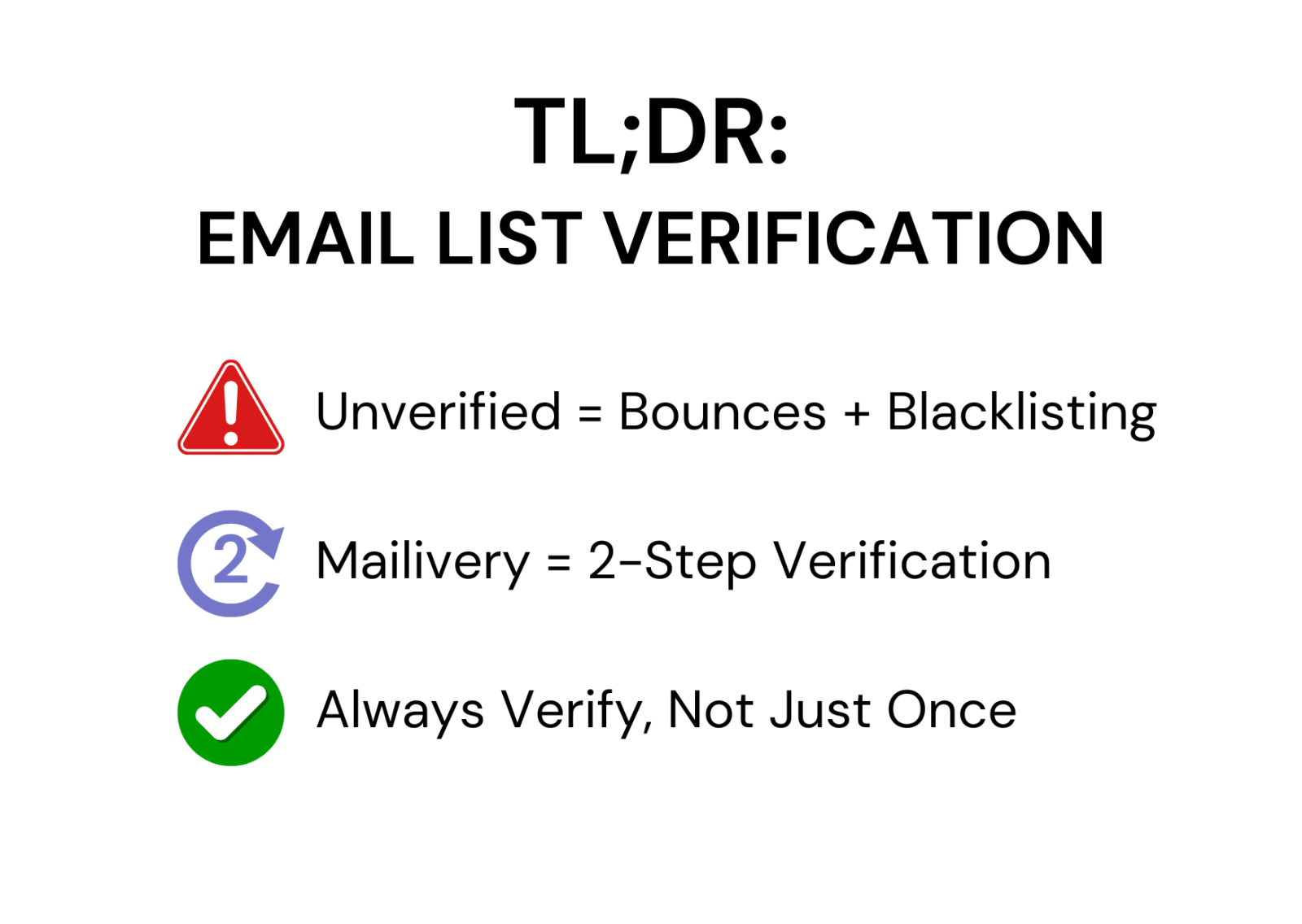
Verification isn’t just a one-time task—it’s an ongoing habit.
Final Takeaways: Clean Lists, Better Deliverability
Cold email can be incredibly effective—but only if your emails actually reach the inbox.
Cleaning and validation aren’t enough.
Only verification protects you from hard bounces, spam traps, and the silent reputation damage that derails entire campaigns.
Mailivery’s 2-layer verification process gives you the deepest, most reliable list hygiene on the market—powered by a massive database of bad addresses and reinforced by industry-leading tools.
So before you hit send on your next campaign, ask yourself:
✅ Is this list clean?
✅ Has it been verified, not just validated?
✅ Am I giving my domain the best chance to succeed?

 Malik Shamsuddin
July 10, 2026